Find out .NET Framework CLR version
어셈블리가 사용하는 .NET Framework CLR 버젼을 확인할 수 있습니다.
Usage
CLI
명령 프롬프트를 실행하고, 아래와 같이 명령을 입력합니다.
c:\>FindOutCLRVer.exe c:\someApplication.exe
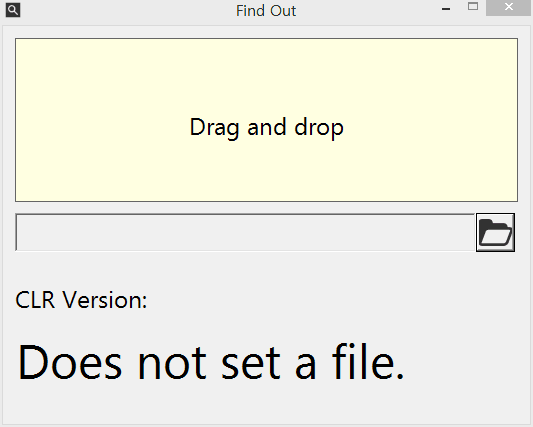
GUI
윈도우 탐색기에서 FindOutCLRVer.exe 응용 프로그램을 실행 혹은 명령 프롬프트에서 매개변수 없이 FindOutCLRVer.exe 응용 프로그램을 실행합니다.
페이지 코드는 GitHub: Find-Out-Dot-Net-Framework-CLR-Version 저장소에서 확인할 수 있습니다.
[sc name="github" user="bbonkr" repo="Find-Out-Dot-Net-Framework-CLR-Version"] {{CODE_GITHUB_BUTTON_SCRIPT}}